Instruction-driven generative wall drawings in the browser. A tribute to Sol LeWitt, built with Next.js and Canvas 2D.
Live at: intervolz.com/sollewitt
The Idea
Sol LeWitt wrote instructions. Other people drew them. The drawings were never the same twice — the instructions defined constraints, and the execution was an interpretation within those constraints.
HE IS THE ORIGINAL PROMPT ENGINEER!!
That's exactly what a generative system does. So I built one.
Each "wall drawing" is defined as a data structure with title, description, and an ordered list of steps. The engine reads the steps, rolls a seed, and produces strokes. Press Create and it draws itself. Re-roll and you get a different valid interpretation of the same instruction.
The whole thing runs as a static Next.js site. No server, no database. Just instructions and math.
Tech Stack
| Tech | Role |
|---|---|
| Next.js 15 | App framework, static export |
| Canvas 2D | All rendering |
| TypeScript | Type safety |
That's it. No WebGL, no heavy rendering libraries. Canvas 2D is the right tool for 2D generative art, there's no render loop to manage, and the imperative API maps naturally to stroke-by-stroke drawing.
The Instruction Model
Every drawing is a DrawingInstruction. Here's Wall Drawing #11:
{
  id: 'wall-drawing-11',
  title: 'Wall Drawing #11',
  description:
    'A wall divided horizontally and vertically into four equal parts. '
    + 'Within each part, three of the four kinds of lines are superimposed.',
  year: 1969,
  medium: 'Black pencil',
  steps: [
    { type: 'divide', params: { rows: 2, cols: 2, drawGrid: true } },
    {
      type: 'lines',
      params: {
        lineKinds: ['horizontal', 'vertical', 'diagonal-left', 'diagonal-right'],
        pickPerCell: 3,
        density: { min: 30, max: 60 },
      },
    },
  ],
}divide→ draws the grid- Then reads
lines→ for each cell - We shuffle the four line kinds, pick three, and fill the cell with dense parallel hatching
- The density range means each seed produces a slightly different feel
Adding a new drawing means writing a new instruction file and registering it. The engine handles the rest.
The Diagonal Problem
First pass at diagonal lines was wrong. I was parameterizing start and end points on opposing edges and interpolating — which produces fan lines that converge, not parallel hatching.
Sol LeWitt's diagonals are straight parallel lines at 45°. Every line has the same slope, just offset. The fix was a sweep across the cell:
case 'diagonal-right': {
  // ly = lx + k, sweep k from -w to h
  const k = -w + (i + 0.5) / count * (w + h)
  const lx0 = Math.max(0, -k)
  const ly0 = Math.max(0, k)
  const lx1 = Math.min(w, h - k)
  const ly1 = Math.min(h, w + k)
  if (lx0 < lx1) {
    lines.push([[x + lx0, y + ly0], [x + lx1, y + ly1]])
  }
  break
}
Each line satisfies ly = lx + k in cell-local coordinates. k sweeps from -w to h, evenly spaced. The Math.max/Math.min calls clip each line to the cell bounds. Every line is parallel. Every line is at 45°.
The Offscreen Buffer
Drawing hundreds of strokes every frame is wasteful. Most frames during playback only add a few new strokes. So the renderer uses a double-buffer strategy:
- An offscreen canvas accumulates drawn strokes. New strokes get drawn onto it incrementally.
- Each frame, the offscreen buffer is blitted to the display canvas in a single
drawImagecall. - If progress goes backward (seek or re-roll), the buffer clears and redraws from scratch up to the target.
frame N:   strokes 0-140 already on buffer → draw 141-145 → blit
frame N+1: strokes 0-145 already on buffer → draw 146-150 → blit
seek to 0: clear buffer → blit empty
The animation loop runs via requestAnimationFrame and reads a shared progressRef — a mutable ref that the playback timer writes to. No React state, no re-renders. The rAF loop, the progress ref, and the canvas context are the entire rendering pipeline.
Both the display canvas and offscreen buffer are scaled by devicePixelRatio for crisp lines on Retina displays.
Playback
Each wall section is a full-viewport (100dvh) container. You see the drawing's instructions centered on screen with a Create button. Click it and the instructions fade out, then the drawing animates over 5 seconds. Once done, re-roll and share/download buttons appear. Re-roll takes you back to the instruction view with a new seed.
The progress ref is shared between three systems:
- The rAF timer in
WallSectionwritesprogressRef.currentevery frame - The canvas paint loop in
DrawingCanvasreads it every frame and draws incrementally - The timeline bar gets its width set via direct DOM manipulation (
bar.style.width)
Zero setState calls during playback. React only re-renders on state transitions — the Create/complete/reroll moments.
Drawings
Nineteen wall drawings implemented so far. Each one required a different step handler in the engine.
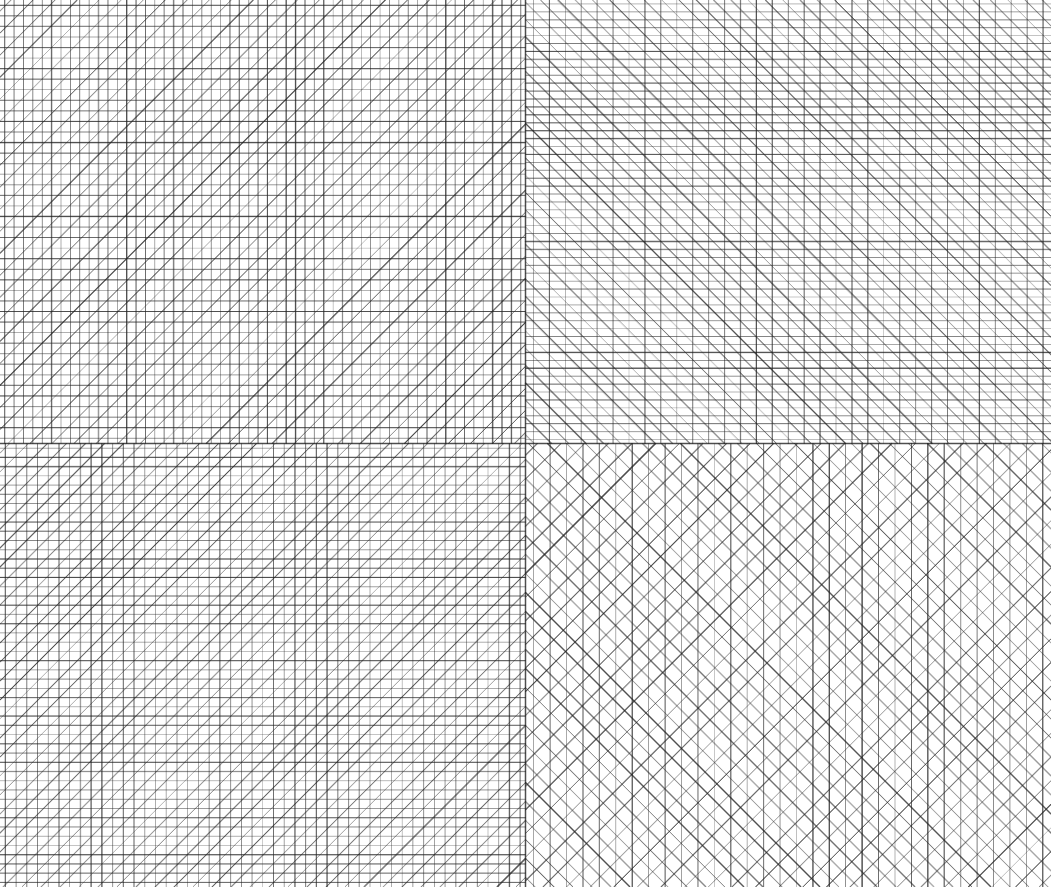
Wall Drawing #11 (1969)
Four equal squares, three of four line kinds per cell. Dense parallel hatching.
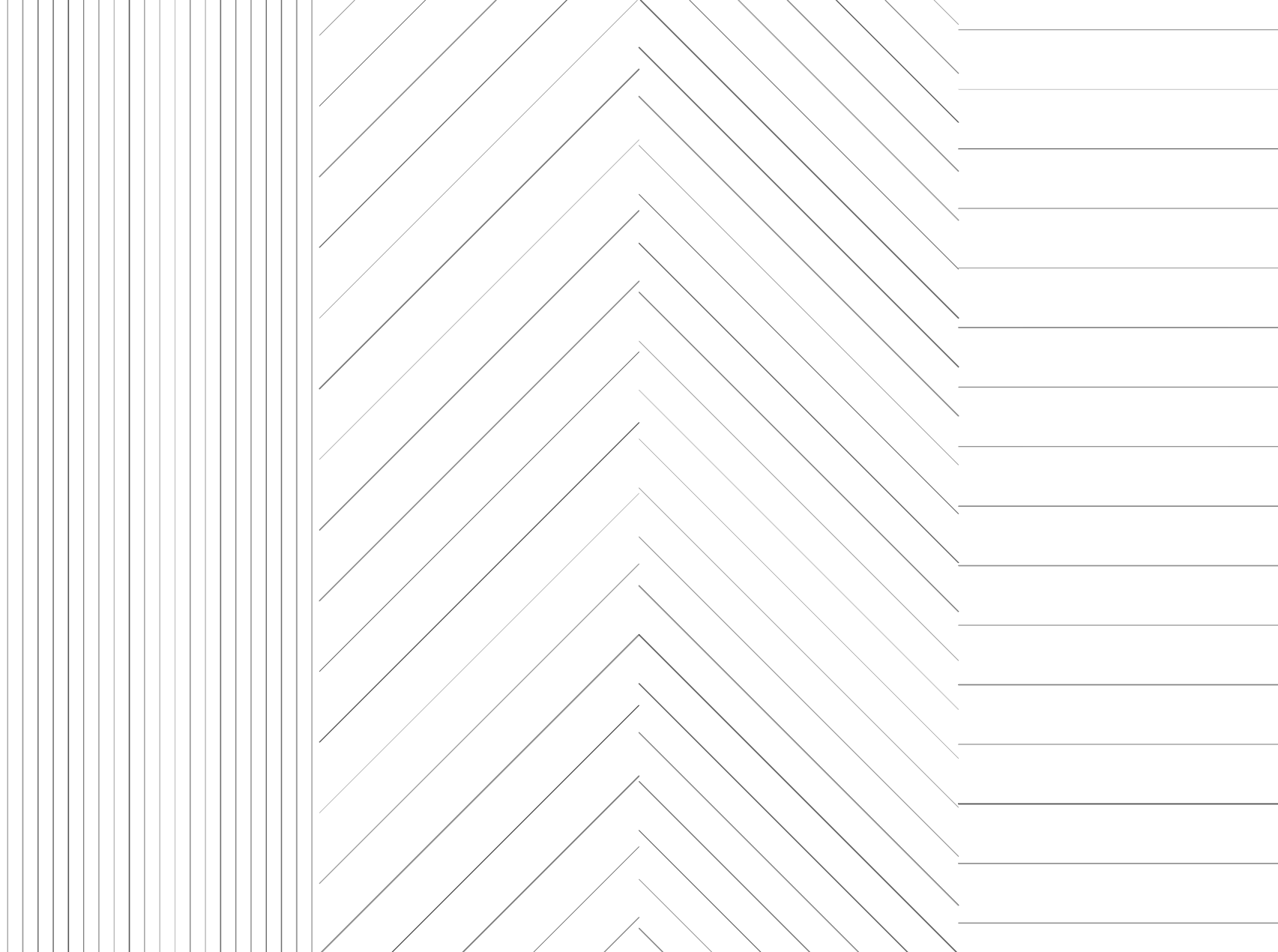
Wall Drawing #17 (1969)
Four parts, a different line direction in each. Uses the unique flag to assign one kind per cell without repeats.
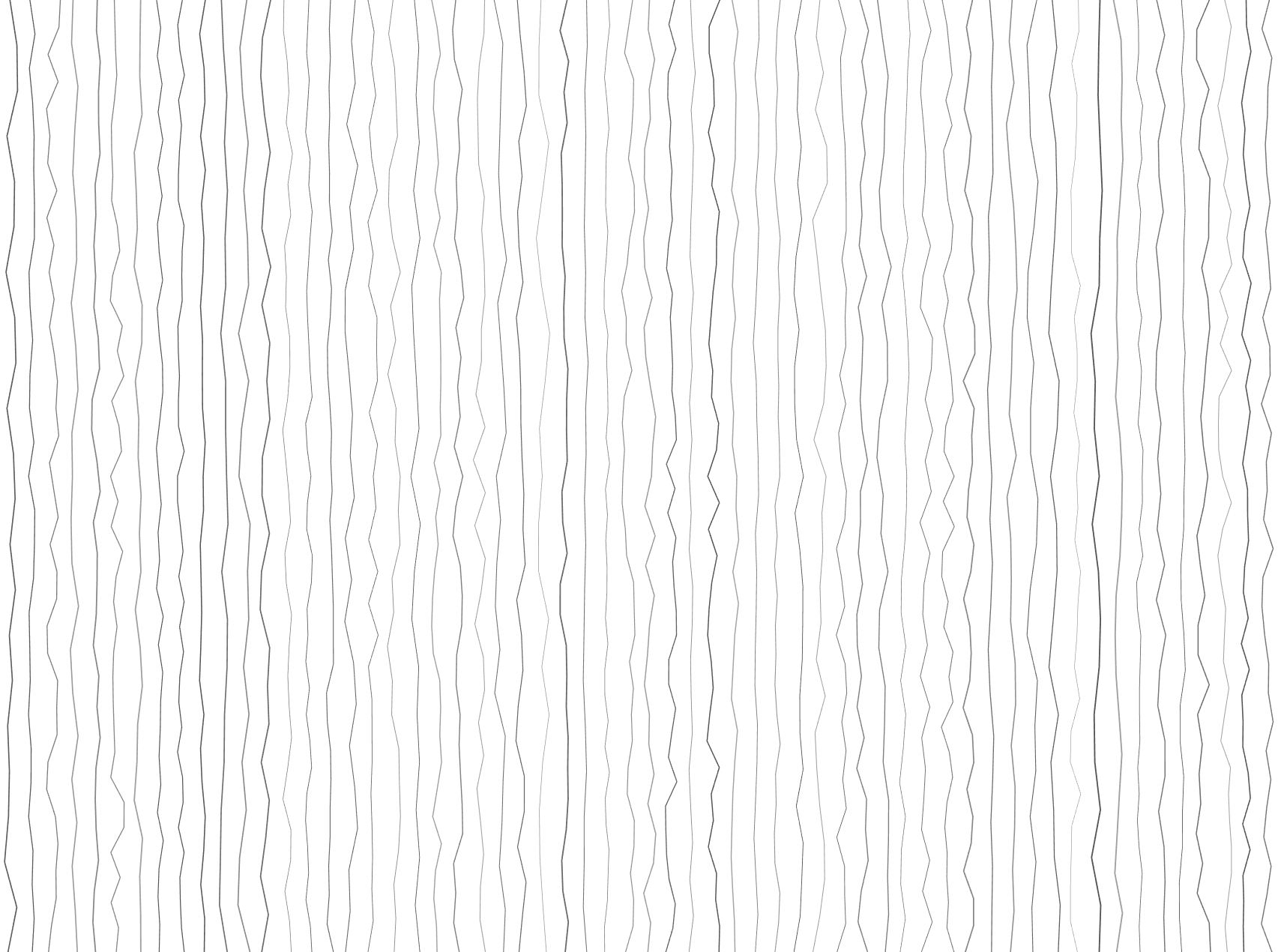
Wall Drawing #46 (1970)
Vertical lines, not straight, not touching. The wobbly-lines handler generates per-segment random displacement around a vertical center.
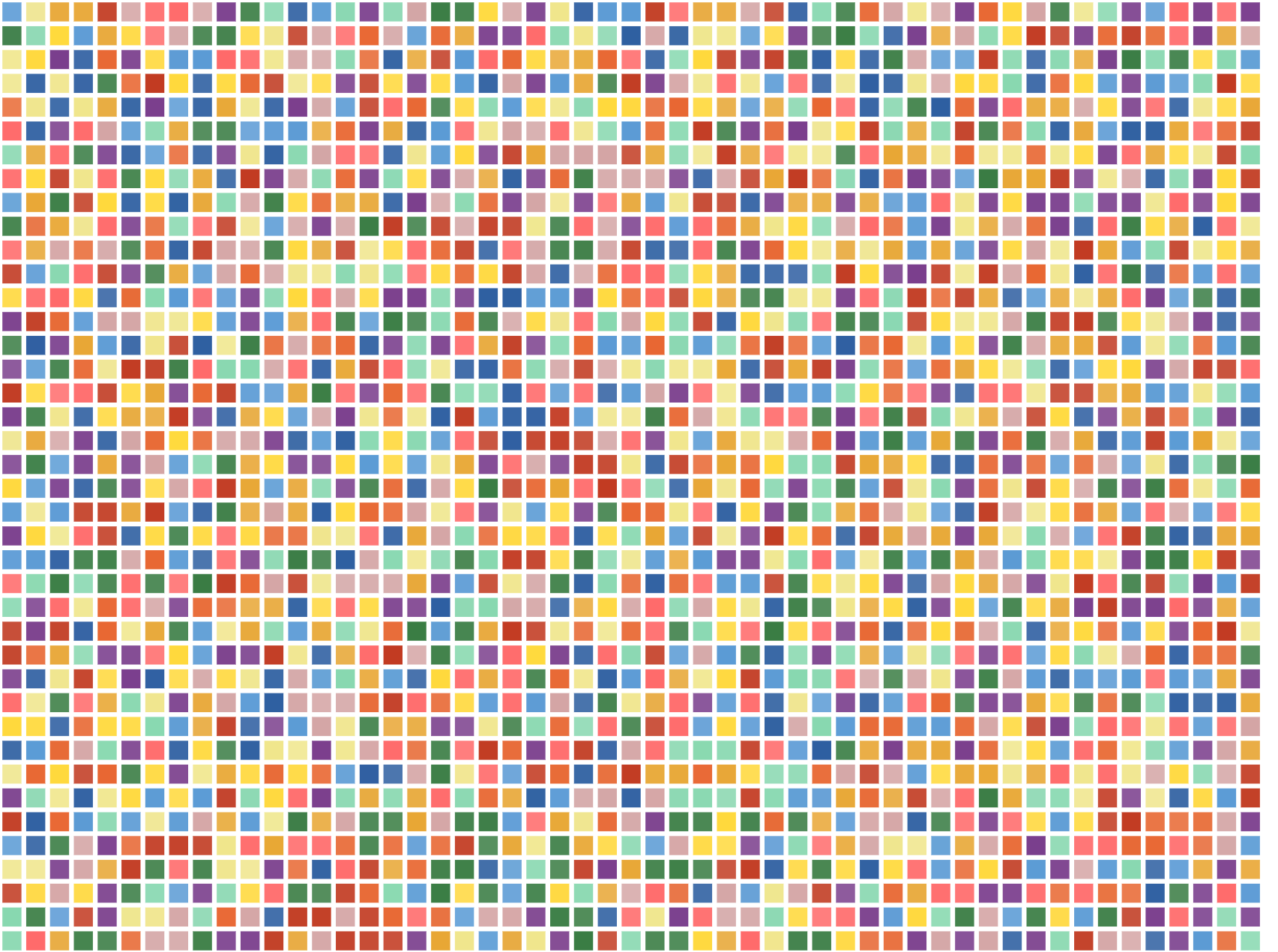
Wall Drawing #38 (1970)
Colored tissue paper squares in a pegboard grid. The pegboard handler fills a grid with randomly colored squares — closed paths detected and filled instead of stroked.
Added an optional background color for this guy.
Wall Drawing #46 (1970)
Vertical lines, not straight, not touching, covering the wall evenly.
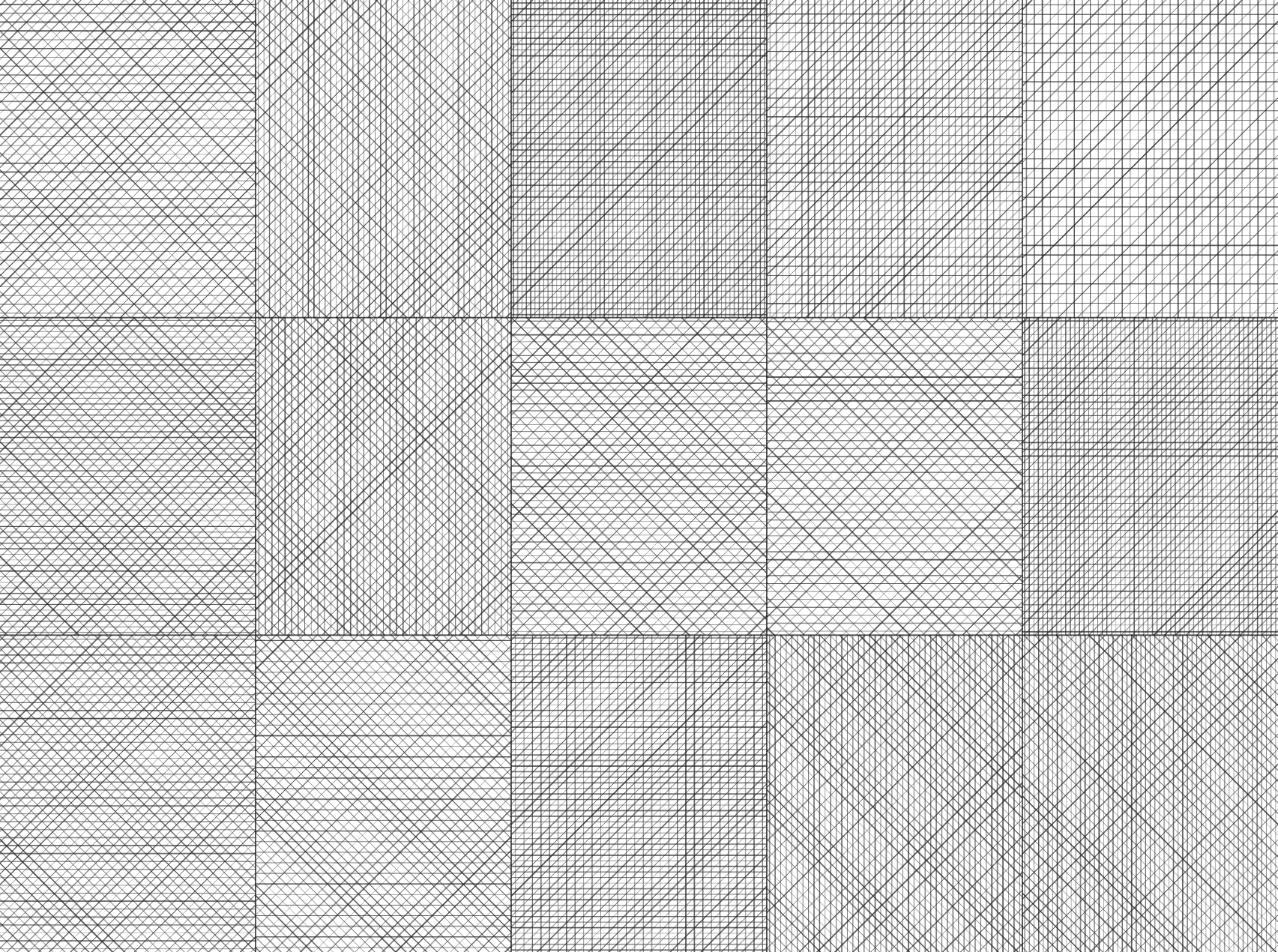
Wall Drawing #47 (1970)
A wall divided into fifteen equal parts, each with a different line direction, and all combinations.
Project Structure
app/
  layout.tsx            Root layout
  page.tsx              Entry → Gallery

components/
  Gallery.tsx           Seed management, renders WallSections
  WallSection.tsx       100dvh container, playback timer, controls
  DrawingCanvas.tsx     Canvas 2D renderer with offscreen buffer
  Controls.tsx          Re-roll / Download
  Timeline.tsx          Seekable progress bar

lib/
  engine.ts             Seeded PRNG, stroke generation, step handlers
  drawings/             One file per instruction

types/
  drawings.ts           DrawingInstruction, StrokeElement, LineKind
Engine Functions
The engine.ts file contains handler functions for each step type. Each handler interprets its parameters and generates StrokeElement[] arrays.
| Handler | Step Type | Description | Used By |
|---|---|---|---|
handleDivideAndLines | divide + lines | Grid of cells with parallel line hatching. Supports unique (one direction per cell) and progressive (cumulative directions) modes. Optional colors per direction. | #11, #17, #19, #47, #56, #87 |
handleBands | bands | Randomly placed bands of parallel lines in specified directions. | #16 |
handlePegboard | pegboard | Grid of colored squares (closed paths that get filled). | #38 |
handleWobblyLines | wobbly-lines | Vertical lines with per-segment random displacement for hand-drawn effect. | #46 |
handleCombinatorial | combinatorial | All combinations of line directions arranged in rows (4 singles, 6 pairs, 4 triples, 1 quad = 15 cells). | #85 |
handleScatteredLines | scattered-lines | Thousands of short lines at random positions and angles, covering wall evenly. | #86 |
handleGridWobbly | grid-wobbly | Grid of cells where each cell has wobbly lines in one random direction. Supports fillViewport for edge-to-edge cells. | #88 |
handleCombinatorialWobbly | combinatorial-wobbly | 15 vertical columns for all color combinations, with wobbly vertical lines. | #95 |
handleGridAndArcs | grid-and-arcs | Grid overlay with concentric quarter-circle arcs emanating from all four corners. | #130 |
handleMidpointArcs | midpoint-arcs | Arcs drawn from midpoints of each wall side. | #138 |
handleProgressiveWobblyGrid | progressive-wobbly-grid | Grid with increasing count of wobbly lines per column (vertical) and per row (horizontal). Supports fillViewport. | #142 |
handleSquareAndLine | square-and-line | Random black square with one or more colored lines crossing through. | #154, #159, #160 |
Utility functions:
seededRandom(seed)— deterministic PRNG for reproducible outputsshuffle(arr, rand)— Fisher-Yates shuffle using seeded randomgenerateLinesForCell(kind, x, y, w, h, count)— parallel lines at 0°, 90°, or 45° within boundsgetCombinations(arr, k)— all k-combinations of array elementspushStroke(strokes, path, style)— append a stroke with auto-incrementing draw order
What I Learned
Canvas 2D is underrated. For 2D generative art, it's the right tool.
Offscreen buffers make incremental drawing trivial. The double-buffer pattern is old graphics programming wisdom. It works just as well in a browser <canvas>.
Refs over state for animation. React state triggers re-renders. Mutable refs don't. For anything running at 60fps, refs are the only sane option. Share a ref between the timer and the renderer, skip React entirely for the hot path.
Sol LeWitt's instructions are surprisingly precise. "Three of the four kinds of lines" is an exact combinatorial specification. The generative system just formalizes what was already algorithmic.
More drawings soon!
Thank you for checking out my project.